Fuji Hybrid Setup - One Setting To Quickly Switch Between Video and Photography
Just One setting to turn your Fuji into an awesome hybrid shooter, if you haven't tried this yet, I think you're going to dig it and and that it will help you with your workflow. Lets dive into how to turn it on and how it works..
Let me start with the X-t3, it is a little bit different on the X-t4. We'll dive into the menu settings and you're going to just scroll up to video settings and it's on the last page, scroll down to page number five to the setting called "movie silent control".
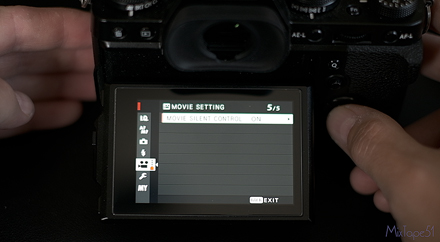
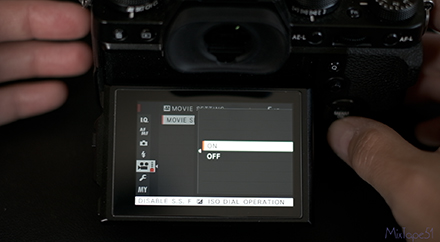
As you can see I had already turned it on and once you turn it on you can back out of the menu settings. Now on your back LCD screen you will see the movie icon with the word "set" and pressing this is how you now access all your movie settings.
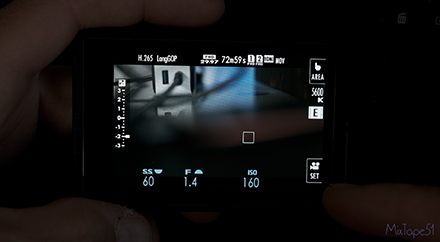
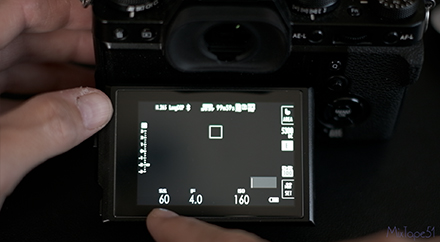
All your dials up top that you're used to using for video are no longer going to work and this ultimately allows you to have your settings stay exactly where they are no matter what you do in photography modes. As you can see, in video mode I'm at 1/60th of a shutter speed, f4 and iso 160.
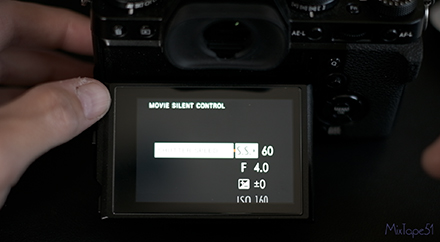
If I click on the movie set icon I now have access to all the movie settings I would want to change and I can simply scroll to the setting I would like to adjust and then click on it.
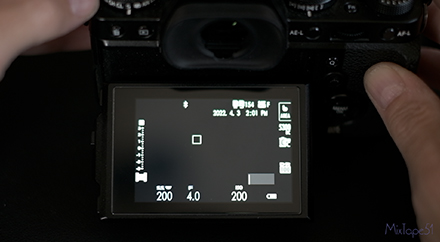
Now if I switch over to photo you will now see my setting adjusted to a 200th shutter speed, f4 and ISO 200.
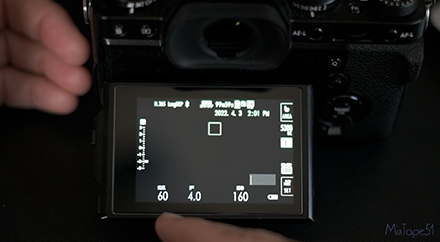
If I switch back to video you can see my settings went right back to a 60th shutter speed, f4, ISO 160 and I'm staying within the 180 degree shutter rule where I'm shooting twice the shutter speed of my frame rate and I didn't have to touch any dials. It's so nice that you can switch back-and-forth so easily!
Let me as well show you how to adjust this hybrid movie setting feature on the X-t4. Now this is a similar procedure, you're going to switch your mode dial to movie, dive in to the menu and then go up to your icon for video. Go down to the bottom of the second page and click on "Movie Optimized Control".
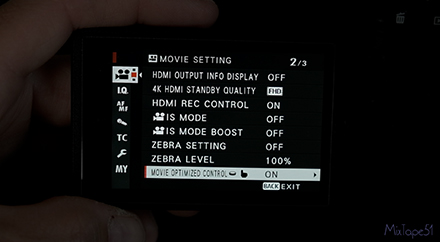
Again you can see I already have it on and that it is a similar thing here where you just press on the "movie set" icon and you can scroll through all the movie settings to make any adjustments you would like.
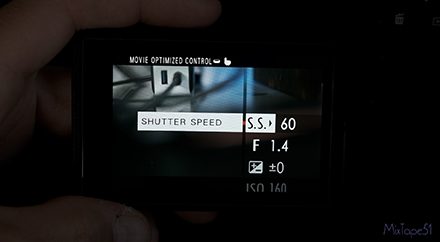
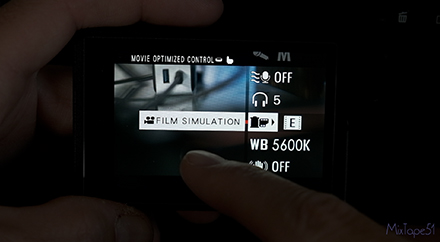
One other way I found this to be really helpful is for when you're filming yourself. It's very convenient to be able to tap on the screen and be able to change your settings as opposed to using your dials that can be difficult to see when the camera is pointed at you.